SmartLink 4 Node
The 'Sweet Spot' for Every Indian Living Room. Upgrade Your Living Room Without Changing a Single Switch. 100% Offline. 100% Private. 100% Invisible.
Essential Smart Convenience
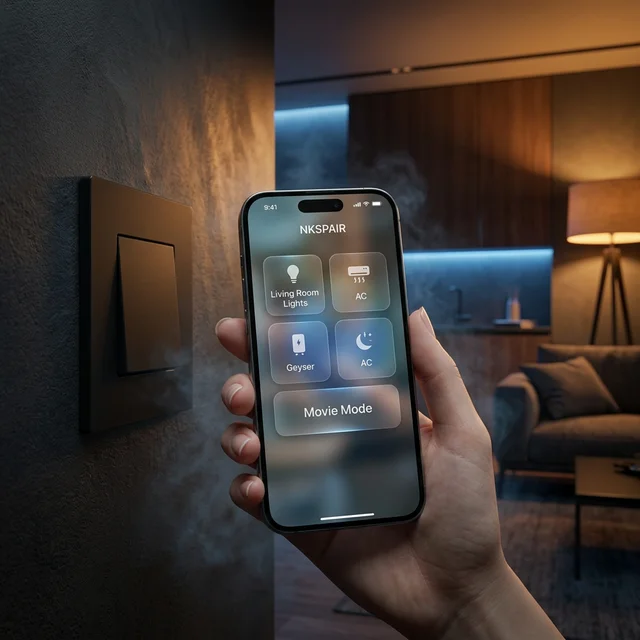
NKSPAIR App Control
Manage everything natively through the highly intuitive NKSPAIR mobile application.
100% Made in India
In-house R&D. Zero Chinese OEMs. All data sovereignly secured on Indian servers.
Schedules & Timers
Turn devices on or off automatically based on your predefined daily schedules.
Easy Installation
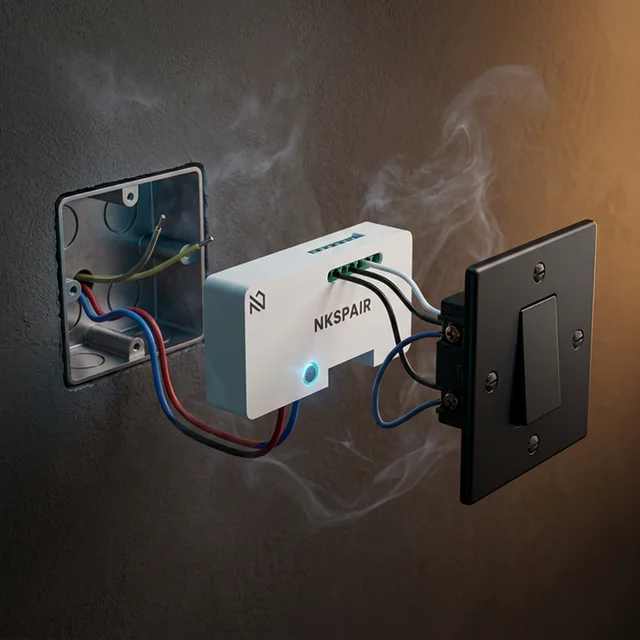
Any local electrician can install it using the provided simple wiring diagram.
Family Sharing
Share app access securely and let the whole family control the home together.
Smart State Memory
If electricity is lost, the module perfectly restores its previous state when power returns.
Lifetime OTA Updates
Your hardware gets continuously smarter with seamless over-the-air firmware updates.
Custom Device Grouping
Group multiple modules together to command an entire room with a single tap.
Voice Integrations
Native language control support for both Amazon Alexa and Google Home.
The Intelligence Matrix
| Feature | RF Only | Voice Only | All Offline |
|---|---|---|---|
| Manual Switch Support | Yes | Yes | Yes |
| Primary Advantage | Handheld Remote | Private Voice | Voice + Remote |
| Offline Voice | No | Yes (Local) | Yes (Local) |
| Response Time | Instant | <500ms | <500ms |
| Price | ₹ 3,450.00 | ₹ 3,350.00 | ₹ 4,000.00 |
Ideal Scenario
The Standard Indian Living Room.
"Master your evening ambiance. Control your main tube light, the decorative cove lighting, the TV point, and your floor lamp—all from your existing sofa, without ever touching a switch or needing the internet."
Safety & Privacy Focus
Technical Specifications
| Specification | Detail |
|---|---|
| Number of Nodes | 4 Nodes (Individual Control) |
| Load Type | Lights, TV, Home Theater (Resistive & Inductive) |
| Current Capacity | 6A (approx. 600W) per node |
| Connectivity | Offline Local AI + RF Remote + Manual |
| Input Voltage | 110V - 240V AC, 50/60 Hz |
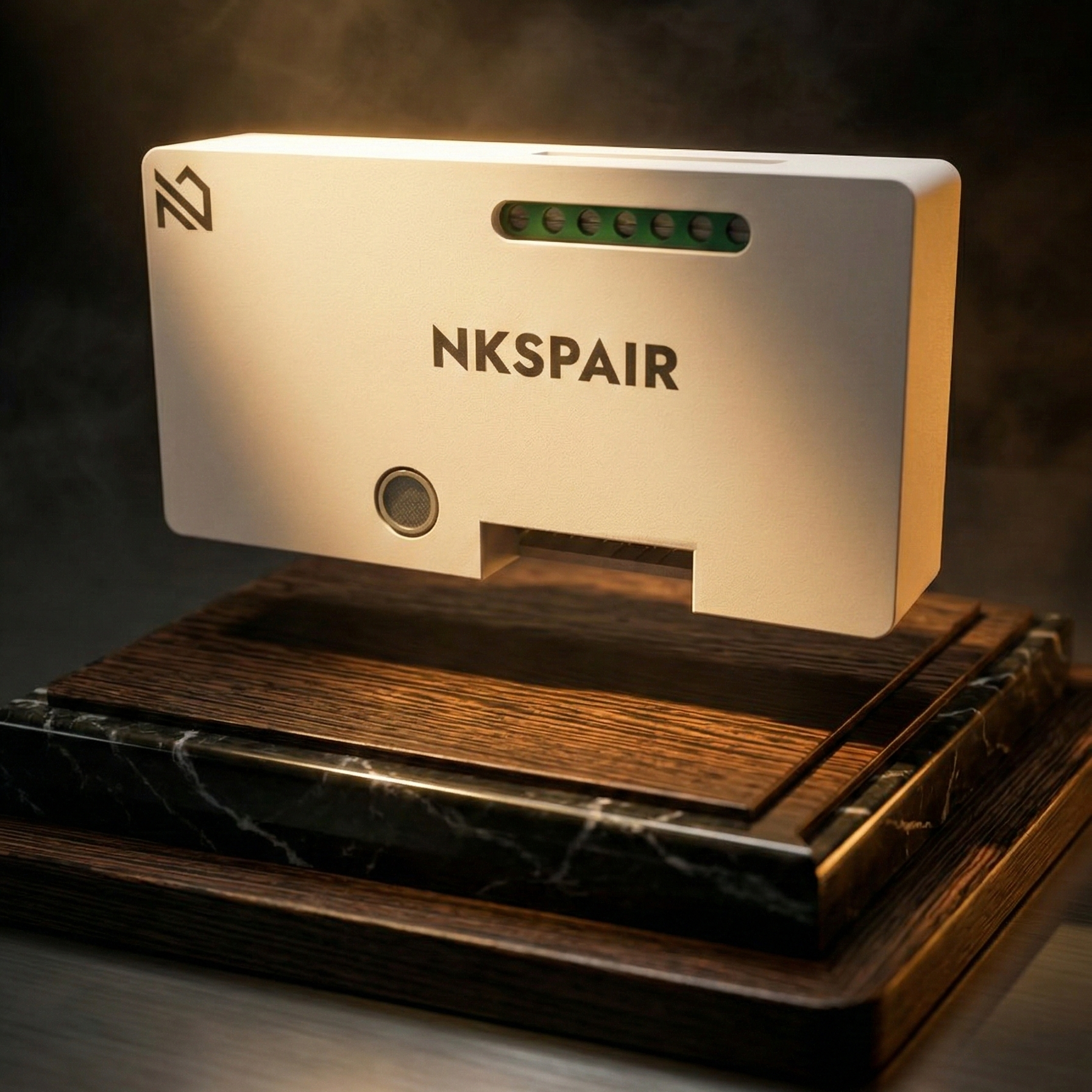
| Dimensions | 48mm x 48mm x 22mm (Compact Retrofit Size) |
The Indian Smart Home Reality Check
Questions you must ask before purchasing smart products in India, and how NKSPAIR answers them.
Data Security & Servers
The Norm: Chinese white-label servers.
NKSPAIR: 100% In-house development with data sovereignty secured strictly on Indian servers.
Lifespan & Support
The Norm: 1-2 year throwaway devices.
NKSPAIR: Engineered for absolute longevity with local, immediate repair/replace guarantees.
Server Independence
The Norm: Dead switches if internet cuts out.
NKSPAIR: Fully functional Edge-AI that works 100% offline without needing active server support.
Ongoing Costs
The Norm: Hidden monthly storage/feature fees.
NKSPAIR: Zero ongoing subscription costs. You buy the hardware, you own the capabilities.
Electrical Safety
The Norm: Melts under Indian voltage fluctuations.
NKSPAIR: Shockproof, surge-protected, and engineered specifically for high-voltage Indian grids.
Ease of Installation
The Norm: Requires rewiring or civil work.
NKSPAIR: Retrofit design. Any local electrician can install it behind your existing plate in 10 minutes.
INSTALLATION
How to Install
Follow these simple steps to transform your switchboard in minutes.
Step 01
Switch off Power
Ensure the MCB is off for safety before starting any installation work.
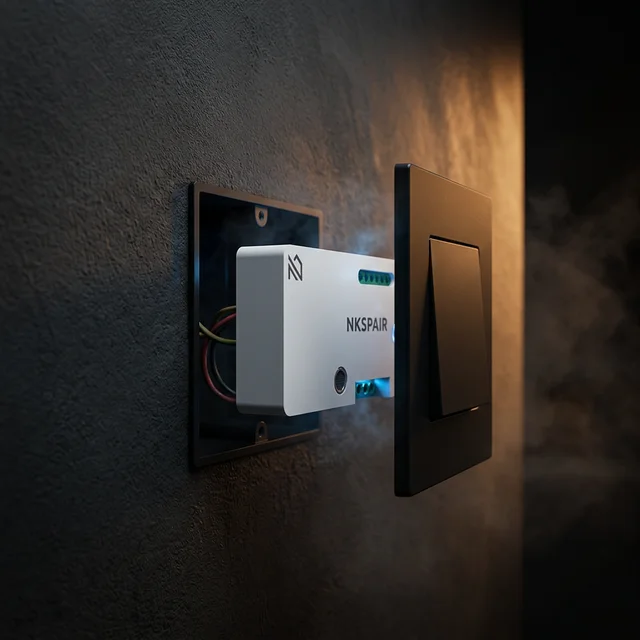
Step 02
Open Board
Unscrew the existing switchboard cover to access the wiring inside.
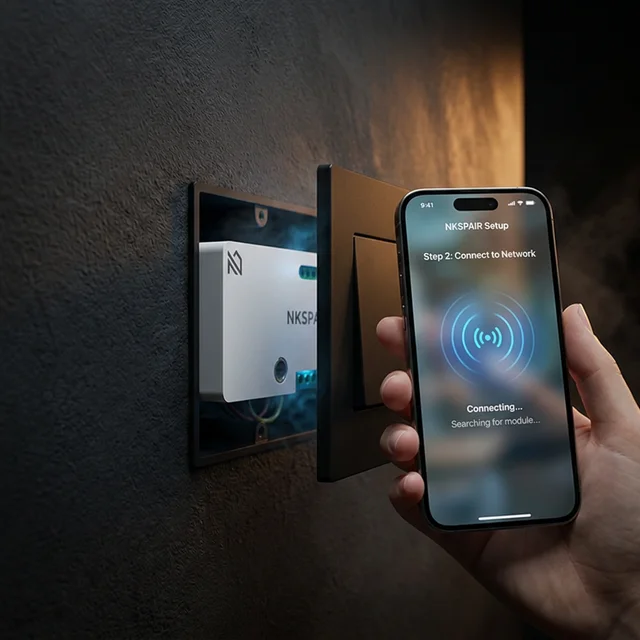
Step 03
Simple Wiring
Connect module wires to the manual switches as per the circuit diagram.
Step 04
Configure App
Close the board, Switch on the power, and pair with the app.